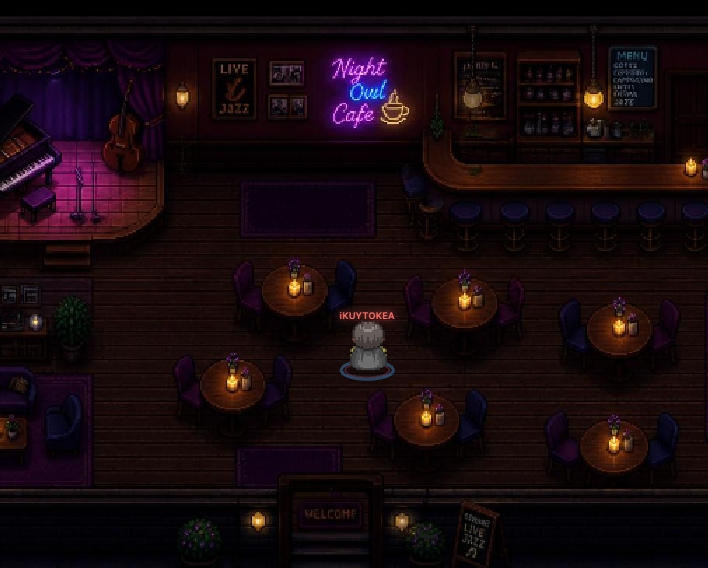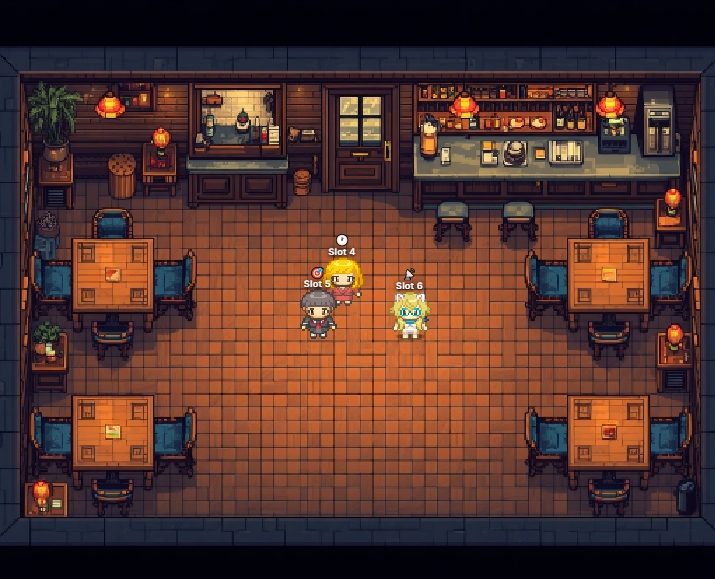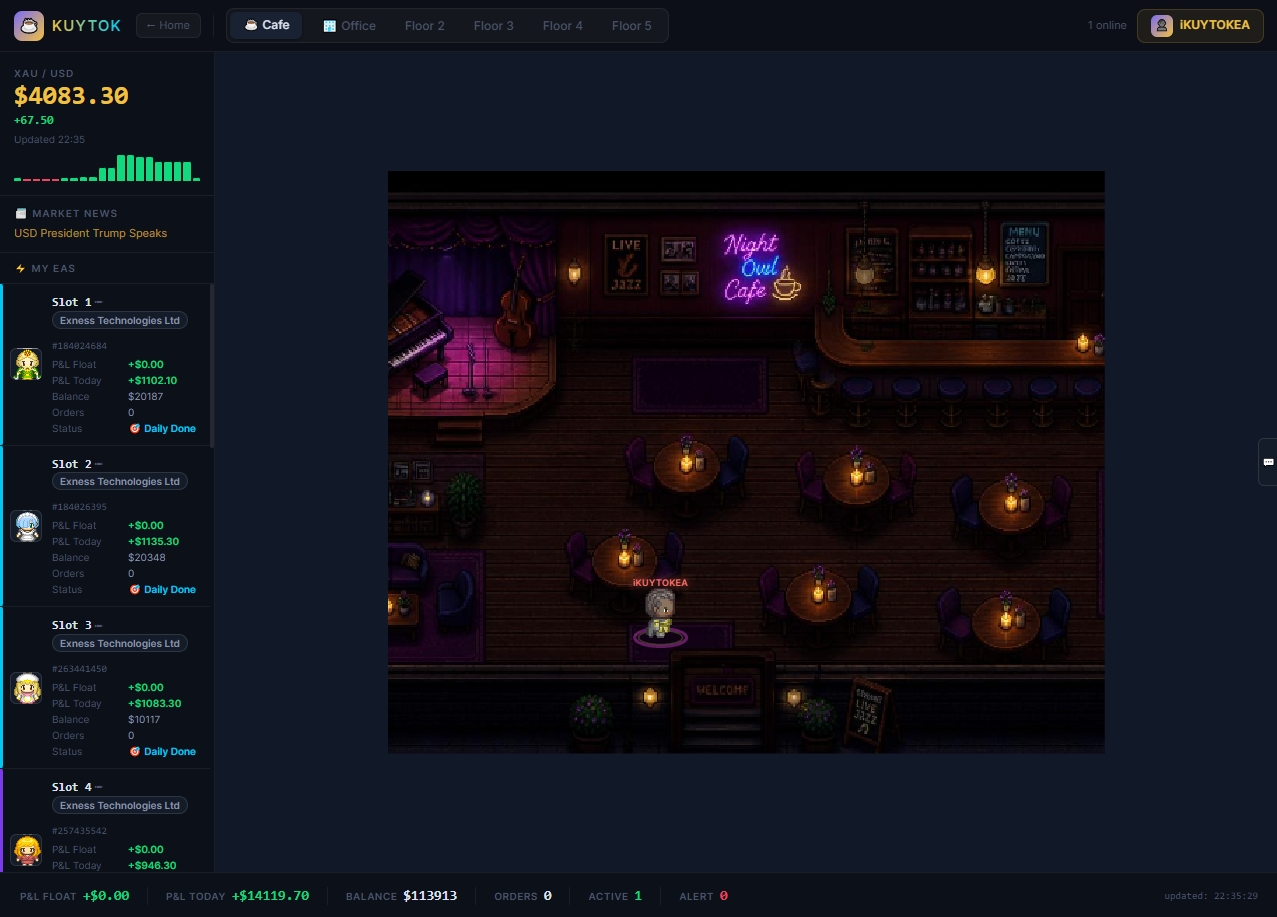
Watch all your EA portfolios in real-time inside a Pixel Art Cafe.
Built for serious EA traders
A cozy pixel art room where your character sips coffee and chats.
Each desk shows live P&L, orders, and EA status.
Characters celebrate profits and react to losses automatically.
Chat publicly or send private DMs instantly.
Annual subscribers get an exclusive purple aura effect.
1 token = 1 EA slot across multiple brokers.
Office expands automatically when characters get crowded.
Pay and access is granted instantly — no admin wait.
Choose and switch your pixel art character.
Two rooms, one community.
Chill, chat, watch XAUUSD
Live P&L for every EA slot
No hidden fees. Cancel anytime.
Connect your MT5 to iKUYTOKEA and monitor your portfolio in real-time.
Open a trading account via our IB link and get lifetime free EA access — no monthly fees.
Top-tier regulated broker · Ultra-low spreads · Unlimited leverage · Popular among Thai traders.
Global regulated broker · Bonus programs · Wide instrument selection · Trusted by millions worldwide.
World-leading broker · ECN pricing · Ultra-fast execution · Trusted by professional traders globally.
Quick overview, detailed MT5 setup, and profile walkthrough
Up and running in under 5 minutes — no payment required to start.
Sign up with your email — no payment required. Includes a 3-day free EA trial.
Download EA (.ex5), copy to MQL5/Experts, allow the 3 WebRequest URLs — see the MT5 Setup tab for details.
Drag EA onto chart, set Cafe_Enabled=true, enter your email in Cafe_Email. Auto-registers — no token needed.
Your character in Cafe, EA at a desk in Office with live P&L. Upgrade or apply IB after the trial ends.
Go to the Download EA section above and get the .ex5 file for your language.
In MT5: File → Open Data Folder → MQL5 → Experts, paste the file, then refresh the Navigator panel.
Tools → Options → Expert Advisors tab → check "Allow WebRequest for listed URL" → add these 3:
Drag EA onto any chart (XAUUSD recommended). In the "Common" tab, check "Allow live trading".
In the "Inputs" tab, set Cafe_Enabled=true and enter your iKUYTOKEA email in Cafe_Email. Click OK.
Check the Experts tab (Ctrl+T) for "Slot registered!" and "LICENSE AUTHORIZED". Fully automatic — no token copying.
Default plan. Full Cafe/Office access; no EA slot until you add one.
Starts automatically with your first EA slot. Lasts 3 days, even if you delete/re-add the slot.
Paid plans. Monthly = 1 token, Annual = 3 tokens + purple glow effect.
Lifetime free EA license via broker IB signup. EA-only, no Cafe/Office access.
1 slot = 1 MT5 account. Shown as a live-P&L desk in the Office.
1 token = 1 extra EA slot. Never expires; purchasable with an active plan.
Deletes the slot and frees the token — but your trial clock keeps running regardless.
Click your name (top-right) — shows plan, EA slots, IB application, and Sign Out.
The main app — chat, switch your character, and the Office, all in one place.
In the profile panel — open a broker account via our IB link, then submit your account for approval.
Top-right language toggle. Switches all page text and remembers your choice.
iKUYTOKEA is a community monitoring platform — NOT a licensed financial advisor or signal provider. We do not provide financial advice, investment recommendations, or trading signals. All trading involves significant risk of loss. Past performance does not guarantee future results. P&L figures shown are self-reported by community members and do not represent guaranteed returns. Never trade with money you cannot afford to lose. You are solely responsible for your trading decisions.
KUYTOK is a software subscription service. We are not registered with or regulated by any financial authority (including SEC Thailand, FCA, or ASIC). EA Kuytok is automation monitoring software — not a managed account, copy-trading service, or investment scheme.
This site contains IB/affiliate links. We may receive a commission if you open an account — at no extra cost to you. We are not responsible for broker services, trading conditions, or any losses incurred while trading with them.